
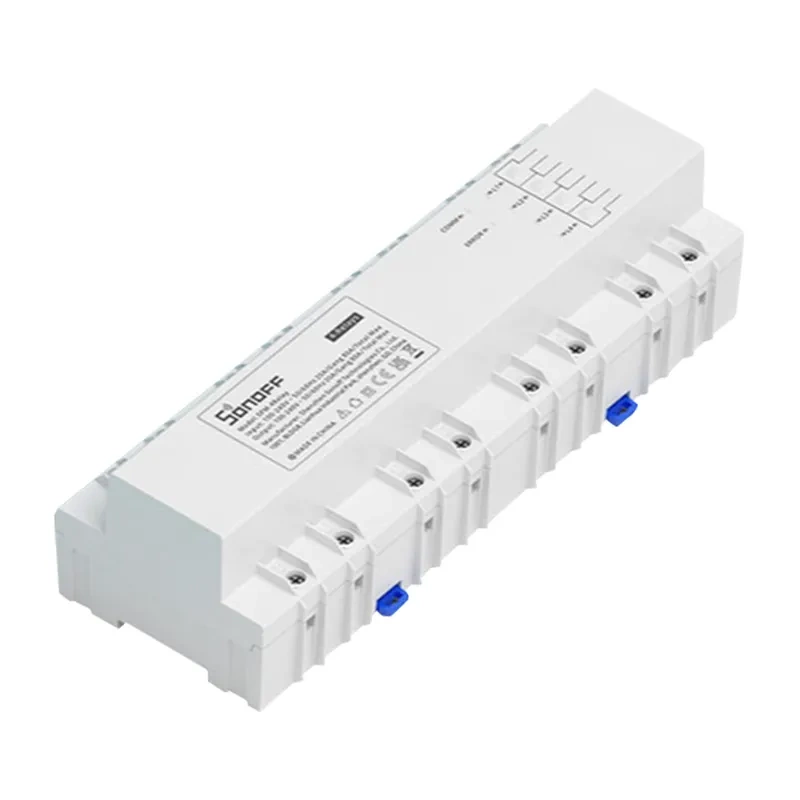
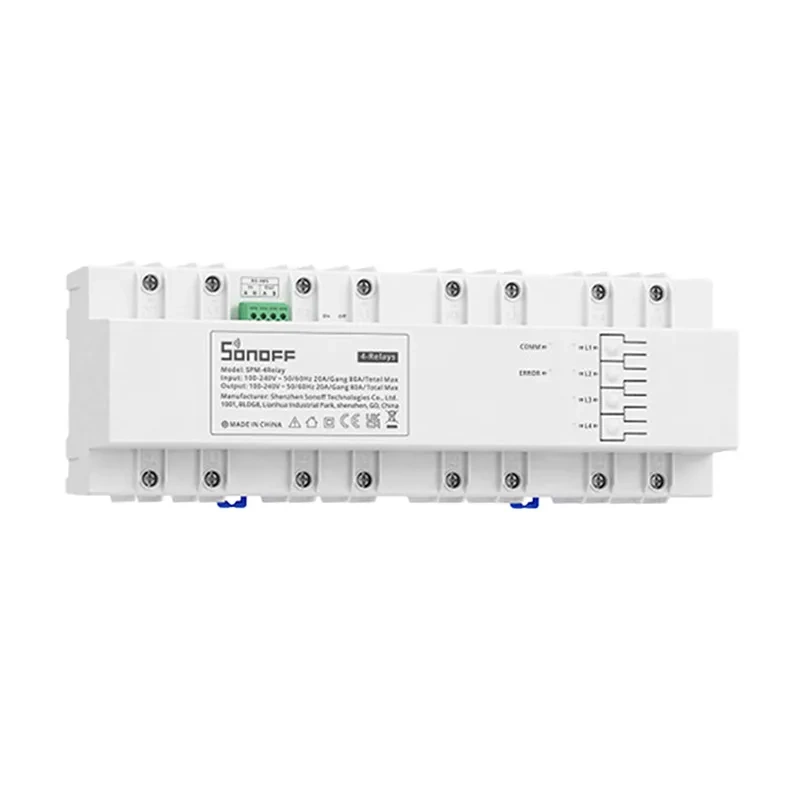
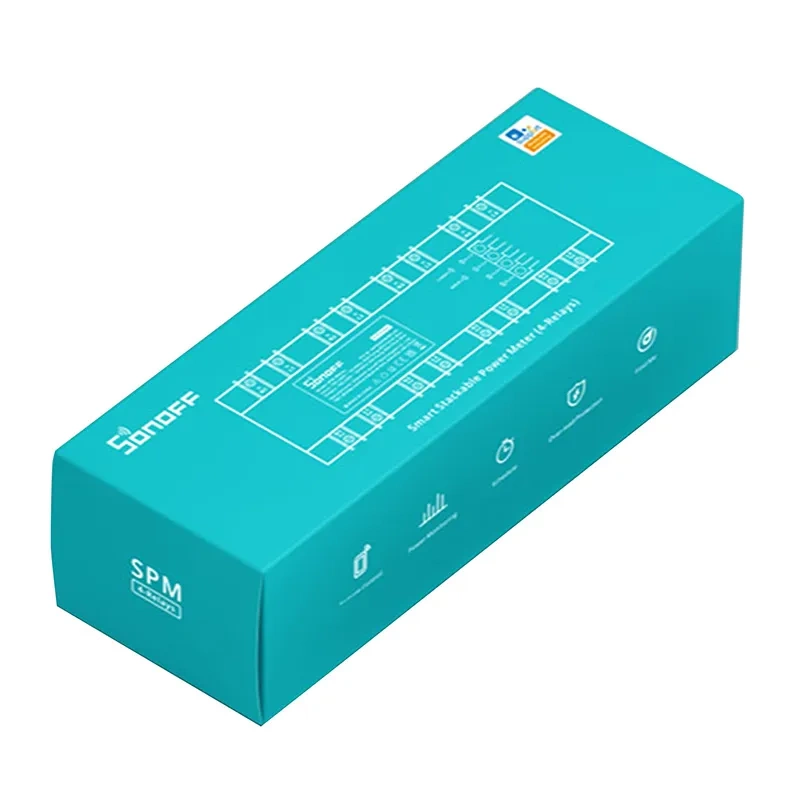
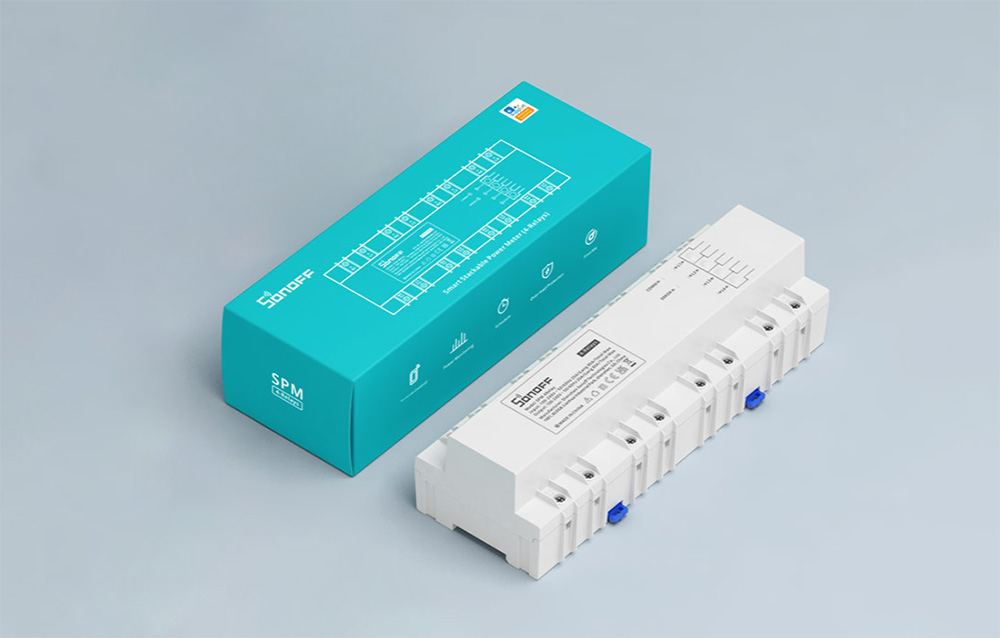
Sonoff SPM-4Relay smart relay module, 4 × 20 A, white
-14%

Delivery options to:
Choose countryThe Sonoff SPM-4Relay is a smart relay module with 4 independent channels, each supporting a maximum load of 20 A. Paired with the separately sold SPM-Main module, it lets you monitor electricity consumption through the eWeLink app.
Energy monitoring and control
Use it to track electricity consumption in rented apartments, offices, shopping centres or server rooms. Independent channels allow consumption monitoring across separate connected circuits.
- 4 channels: up to 20 A per channel, with an overall maximum of 80 A.
- Overload protection: once enabled, connected equipment switches off automatically when current parameters reach the values set in the app.
- Load delay: a load activation delay function is also available.
Connection and installation
The SPM-4Relay communicates with SPM-Main over RS-485. Ethernet or Wi-Fi cloud connectivity is provided by SPM-Main, not by the relay module itself. One SPM-Main can control up to 32 SPM-4Relay modules, supporting up to 128 channels.
The white module mounts on a mounting rail. SPM-Main is not included and must be purchased separately.
| Brand | Sonoff |
|---|---|
| Model | SPM-4Relay |
| Colour | White |
| Input electrical rating | 100–240 V ~ 50/60 Hz; 20 A per channel, 80 A max. |
| Output electrical rating | 100–240 V ~ 50/60 Hz; 20 A per channel, 80 A max. |
| Material | PC V0 |
| Dimensions | 250 × 90 × 66.5 mm |
| Independent channels | 4 |
| Required control module | SPM-Main, sold separately |
| Connection to SPM-Main | RS-485 |
| App | eWeLink |
| Functions | Energy consumption measurement with SPM-Main; overload protection; load activation delay |
| Mounting | Mounting rail |
| System expansion | One SPM-Main controls up to 32 SPM-4Relay modules, up to 128 channels |
| EAN | 6920075776980 |
|---|
Does SPM-4Relay connect directly to Wi-Fi?
No. SPM-4Relay connects to SPM-Main via RS-485. The separately sold SPM-Main module provides the Wi-Fi or Ethernet connection to the cloud.
How does overload protection work?
Once the function is enabled, connected equipment switches off automatically when current parameters reach the values specified in the app.



 Gudri pirkumi vienuviet