
Pixel 10a
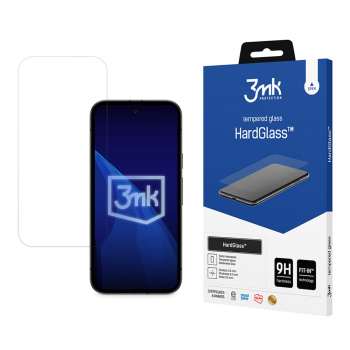
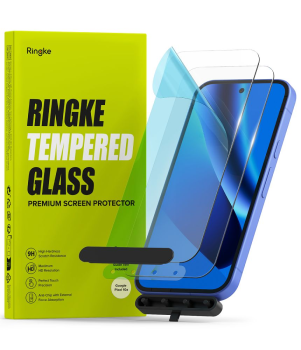
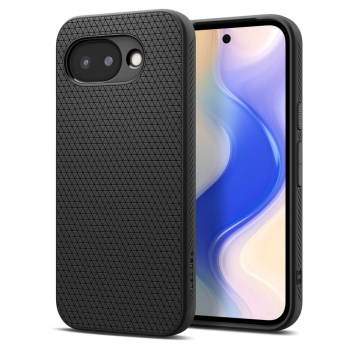
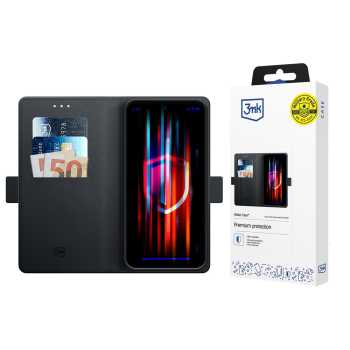
Explore Google Pixel 10a cases, wallet covers and screen protectors tailored for a perfect fit. From slim TPU and silicone options to rugged protection and classy folio wallets with card slots, plus 9H tempered glass and camera lens shields—everything to keep your phone safe day to day, at work or on the go. Pick the style and protection level you need while staying compatible with wireless charging and all Pixel 10a features.


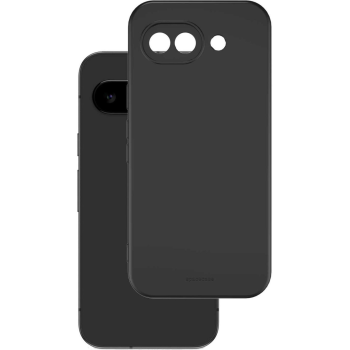
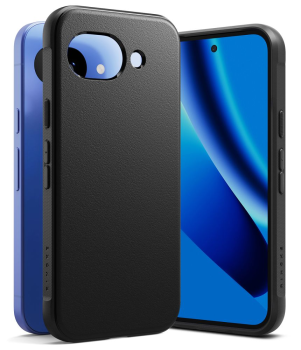
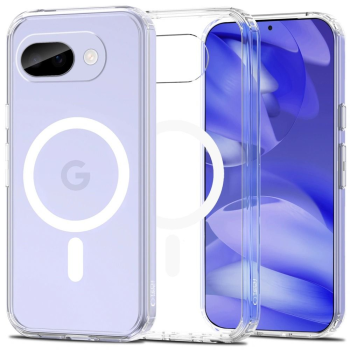
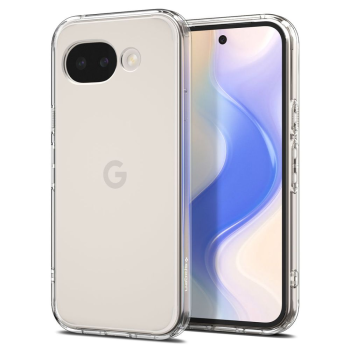
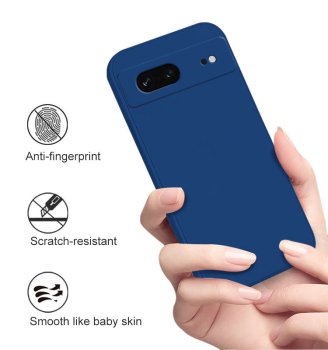
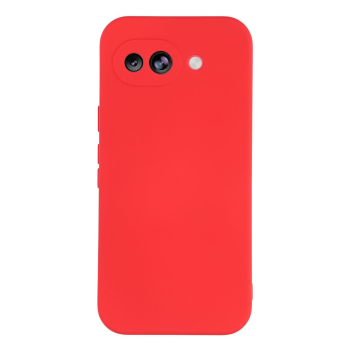
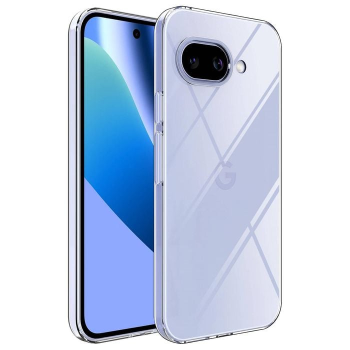
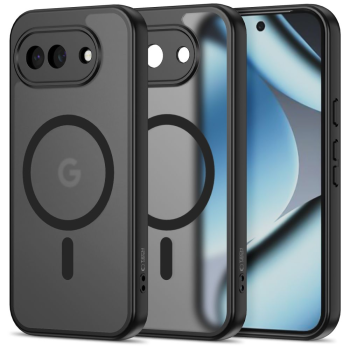
-9%
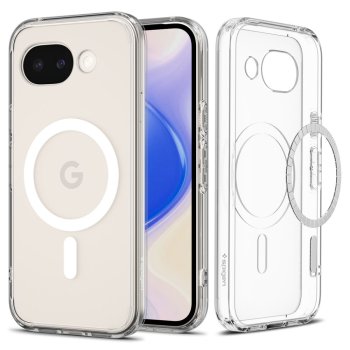
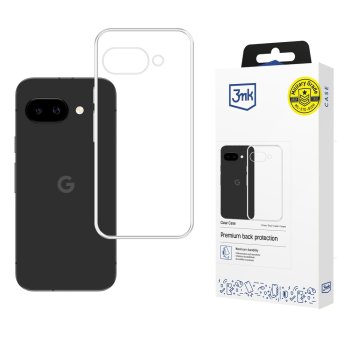
This Google Pixel 10a category brings together protection and convenience for every scenario. Discover slim, grippy TPU or silicone cases for everyday minimalism, reinforced options with added corner cushioning for active use, refined folio wallets with magnetic covers and card pockets, as well as high‑quality 9H tempered glass screen protectors and camera lens protectors. Each accessory is shaped precisely for the Pixel 10a, ensuring accurate cutouts, responsive buttons and a secure, comfortable hold.
For home and office, a thin clear or matte case preserves the phone’s look with barely any bulk. Outdoors, during sports or weekend trips, choose elevated protection with raised lips around the display and camera. If you travel often, a folio wallet is a practical pick—screen protection plus space for cards and IDs in one streamlined package.
Our screen protectors include crystal‑clear 9H tempered glass for scratch resistance, as well as matte and privacy variants to reduce glare or shield content from side views in public spaces. Full‑adhesive (full glue) designs and finely finished edges help achieve a tight fit and smooth touch. Dedicated camera glass or films keep your photos sharp by preventing micro‑scratches on the lenses.
Materials make a difference: TPU and silicone add flexibility and grip, polycarbonate brings structure, while genuine or eco leather wallet cases offer a classic finish. Slim cases typically remain compatible with wireless charging; dual‑layer or corner‑reinforced builds aim for higher impact protection. For clear cases, look for anti‑yellowing formulations to retain long‑term clarity.
How to choose: match protection to your routine—slim for minimal bulk, rugged for active days, folio for all‑round convenience. Check compatibility with wireless chargers and car mounts if you use them frequently. For screen protectors, prioritize precise edge coverage so the case doesn’t lift the glass; consider matte for bright environments or privacy glass for shared spaces. During installation, thoroughly clean the screen, remove dust and press out bubbles from the center for a flawless, long‑lasting seal.
- Exact fit for Google Pixel 10a with full access to buttons and ports
- Protection levels from ultra‑slim to impact‑ready rugged designs
- 9H tempered glass, matte and privacy screen options
- Camera lens protectors for extra peace of mind
- Material choice: TPU, silicone, polycarbonate, (eco) leather
- Wireless charging friendly in most slim cases
- Helpful setup and care tips for extended durability