
- Gifts & Party Decorations
- Phone Accessories
- Photo & Video
- Computers & Electronics
- Sports & Fitness
- Beauty & Health
- Car & Motorcycle Accessories
- Bicycle Accessories
- Home & Living
- Garden & Outdoor
- Baby & Kids Products
- Games, Hobbies & Leisure
- Travel & Outdoor Activities
- Pet Supplies
- Discounted Items & Products with Defects
Monitor Mounts & Stands, VESA Adapters
This category includes monitor mounts and stands designed to improve screen placement and keep the workspace more organized. You can find monitor holders and stands, VESA adapters for screens without mounting holes, laptop trays for use with monitor mounts, plus selected mounting options and stands for mini PCs or computer towers. These accessories are useful for home offices, study setups, and everyday desks where comfort and better equipment placement matter.
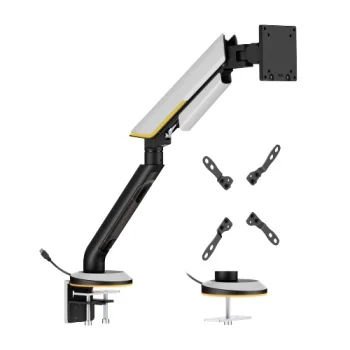
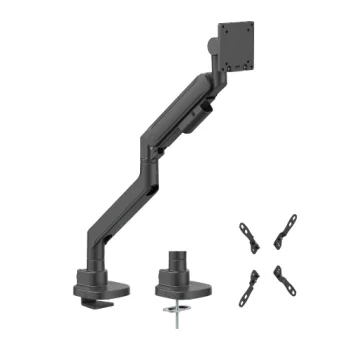
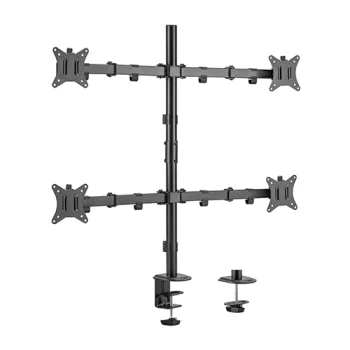
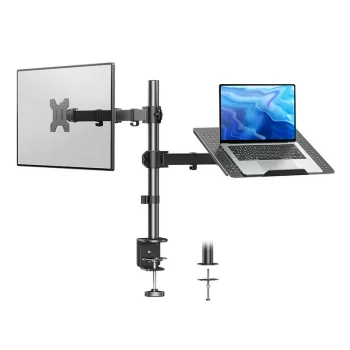
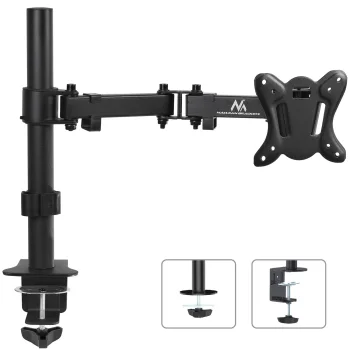
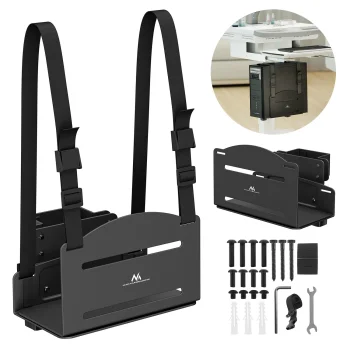
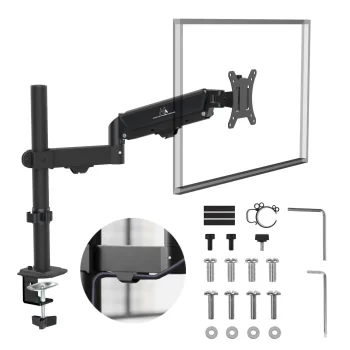
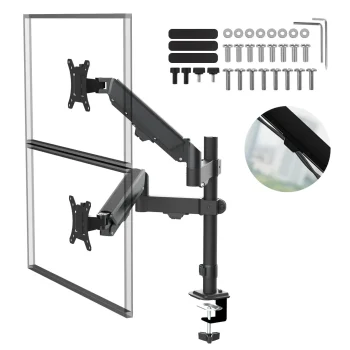
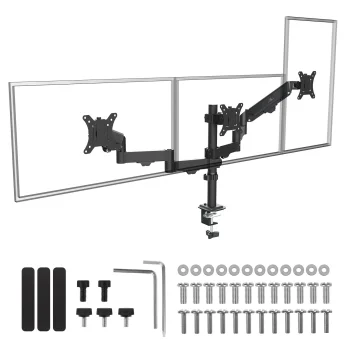
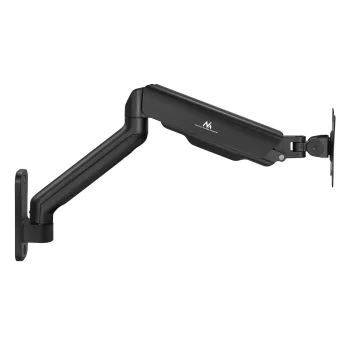
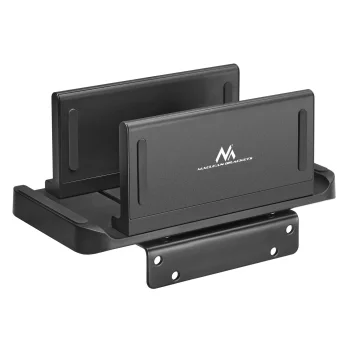
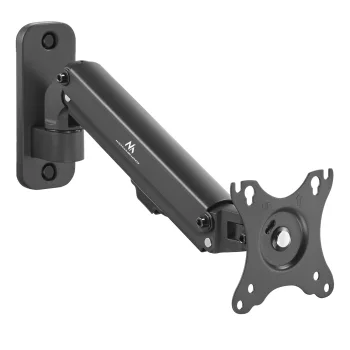
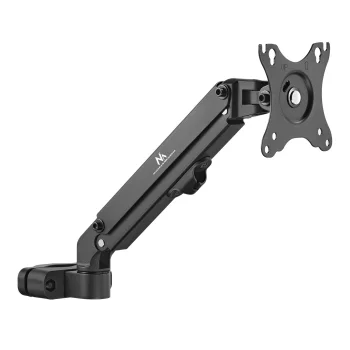
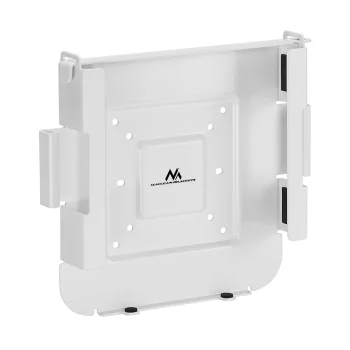
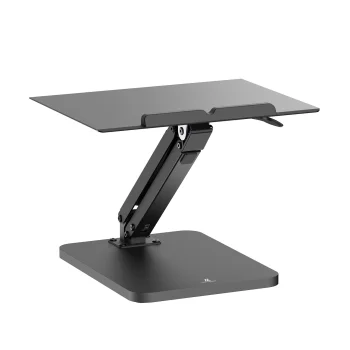
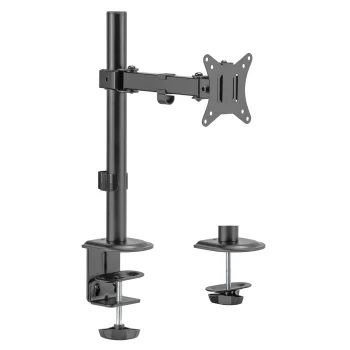
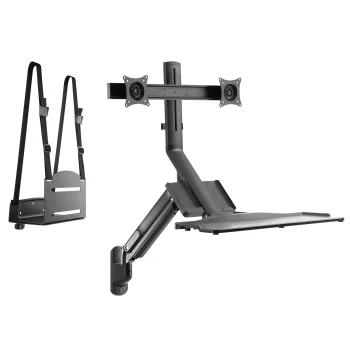
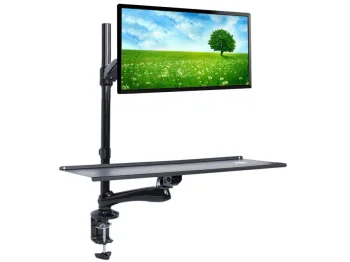
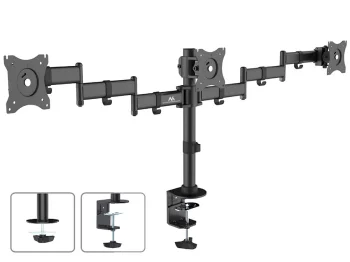
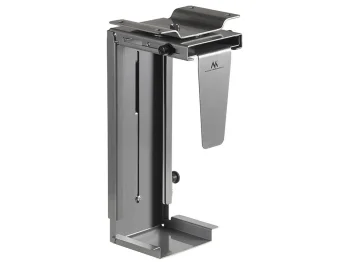
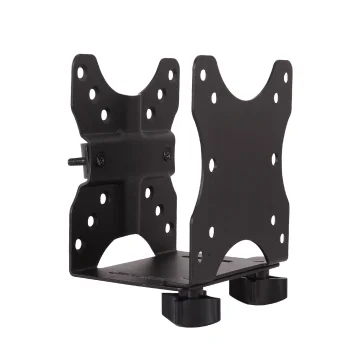
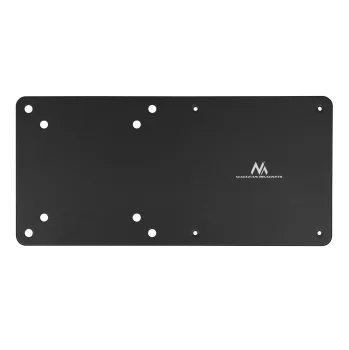
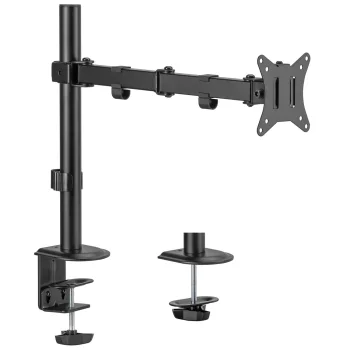
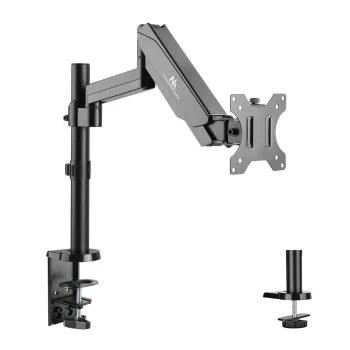
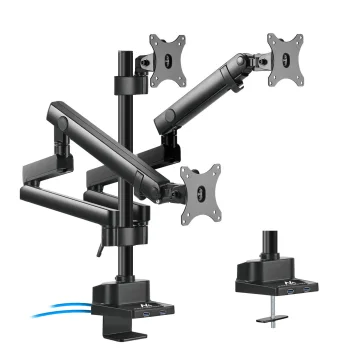
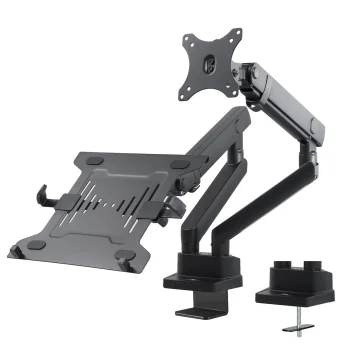
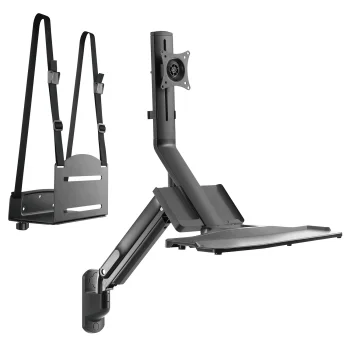
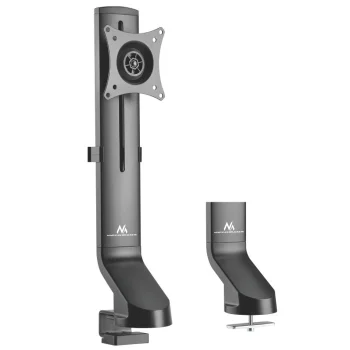
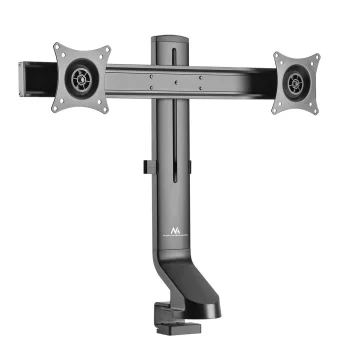
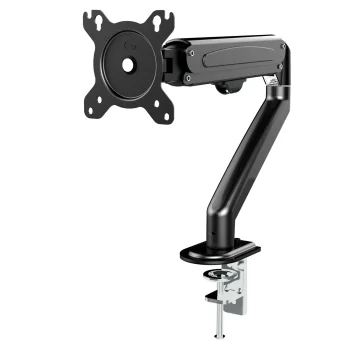
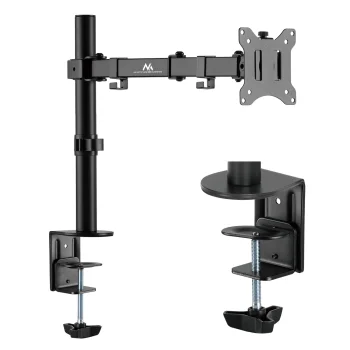
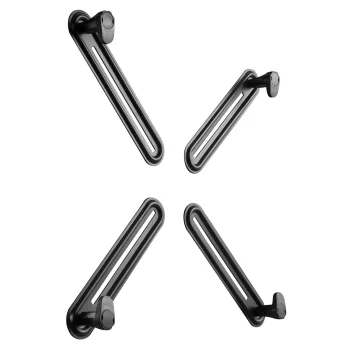
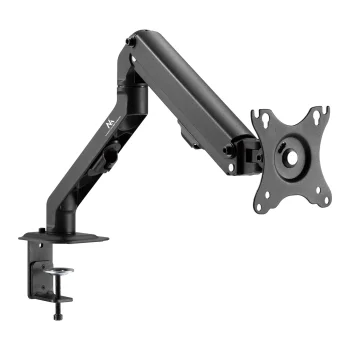
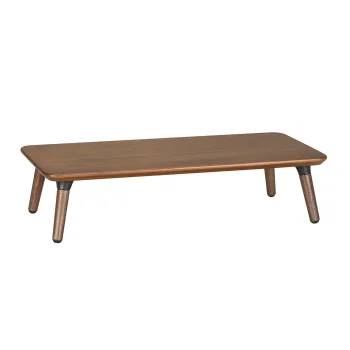
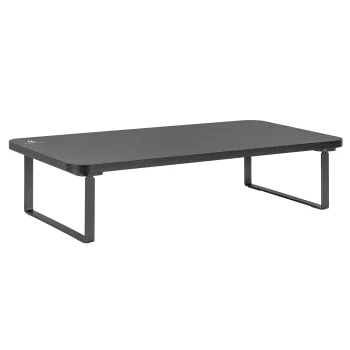
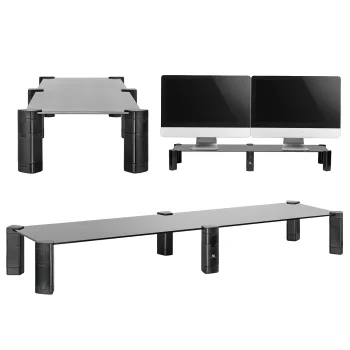
Monitor mounts and stands make it easier to position your screen, free up desk space, and create a cleaner workstation. In this category you can find monitor holders and stands, VESA adapters for screens without mounting holes, laptop trays that work with monitor mounts, as well as selected mounting solutions for mini PCs and stands for computer towers. These accessories are practical for home offices, study areas, and everyday desktop setups where comfort, access to equipment, and a tidier layout are important.
How to choose the right mount or stand
Start by checking what device you want to place or attach. For a monitor, the most important points are screen size, weight, and VESA compatibility. For a laptop tray or mini PC mount, you should make sure the accessory matches the device and the intended setup. If your screen does not have VESA mounting holes, a compatible adapter may be the right solution. A computer stand on wheels can also be useful if you want to move the system unit more easily or keep it positioned neatly near the desk.
- Check compatibility: monitor size, weight, and VESA pattern should match the selected mount.
- Choose for the right device: monitor, laptop, mini PC, and computer tower accessories are not the same.
- Review load capacity: always compare the maximum supported weight with your equipment.
- Consider adapters: they can help when a screen has no mounting holes or uses a less common setup.
- Think about workspace comfort: the right stand or mount can help clear the desk and improve daily use.
Browse the available monitor mounts, stands, and related accessories to compare options for your display, laptop, or computer. A quick check of compatibility and intended use can help you choose a practical solution for your workspace.
Frequently Asked Questions
How do I know if a monitor mount will fit my screen?
Check the monitor size, weight, and VESA mounting pattern, then compare them with the mount specifications.
Can I mount a screen that has no VESA holes?
In some cases, yes. A compatible VESA adapter can allow mounting for screens without standard mounting holes.
Can a laptop be used with a monitor mount?
Yes, if you use a compatible laptop tray and stay within the mount's supported load limit.
What is a computer stand on wheels useful for?
It helps move the system unit more easily, improves access, and keeps the computer from sitting directly on the floor.
What are the most popular 2026 products in category - Monitor Mounts & Stands, VESA Adapters
What are the newest products in category - Monitor Mounts & Stands, VESA Adapters
- Maclean MC-838 Wall-Mounted Sit-Stand Workstation for 17"-32" Monitor, Keyboard and PC, up to...
- Maclean MC-633 Wall Mount Sit-Stand Workstation for 2 Monitors 17"-27", Keyboard & PC
- Mini PC Mount Maclean MC-115 W, VESA Compatible, 17-70 mm, White
- Dual Monitor Desk Mount Huanuo HNDS8 13-32"
- Huanuo HNCM2 Monitor and Laptop Desk Mount 13-32"