
- Gifts & Party Decorations
- Phone Accessories
- Photo & Video
- Computers & Electronics
- Sports & Fitness
- Beauty & Health
- Car & Motorcycle Accessories
- Bicycle Accessories
- Home & Living
- Garden & Outdoor
- Baby & Kids Products
- Games, Hobbies & Leisure
- Travel & Outdoor Activities
- Pet Supplies
- Discounted Items & Products with Defects
Laptop screens and LCD panels
Laptop screens and LCD panels include BOE and LG replacement panels and an Apple A2337 display assembly. The options shown cover different screen sizes, resolutions, matte and glossy finishes, and IPS and OLED displays. They suit shoppers replacing a damaged screen; the key checks are the existing panel number, dimensions, connector pin count and connector position.
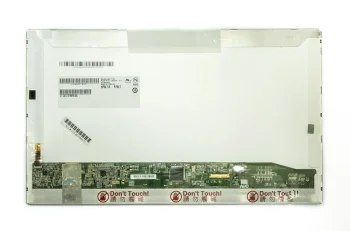
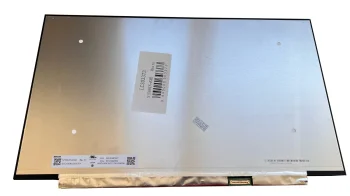
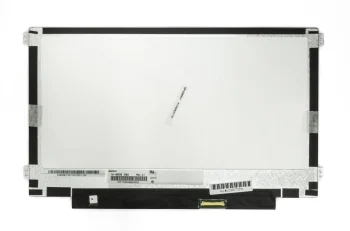
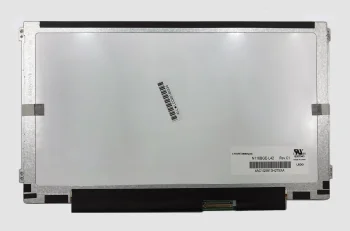
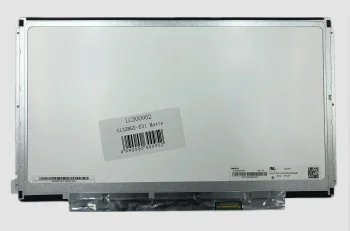
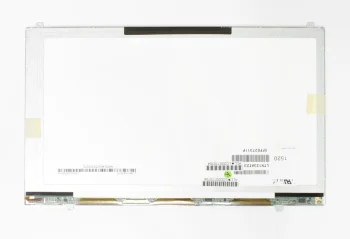
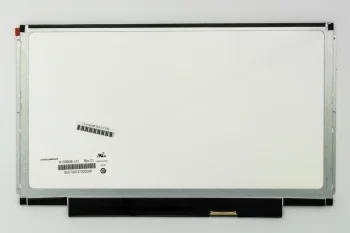
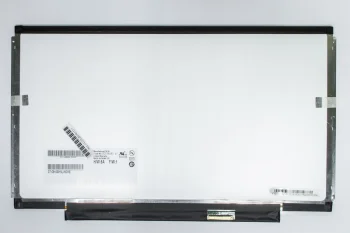
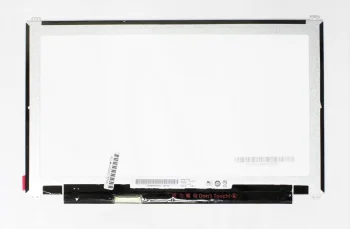
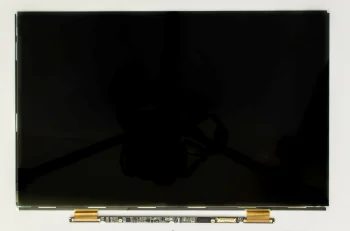
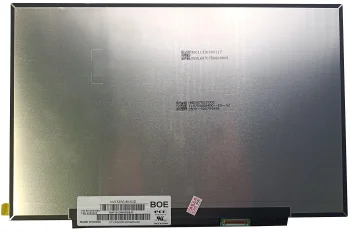
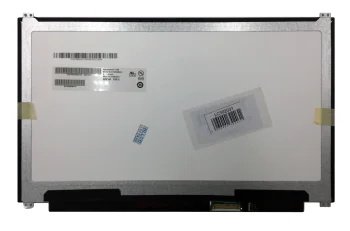
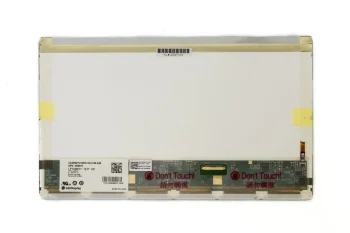
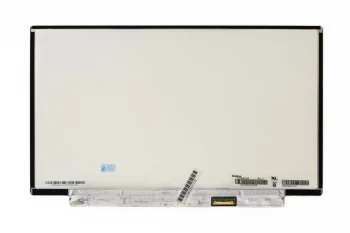
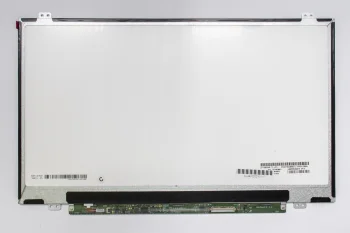
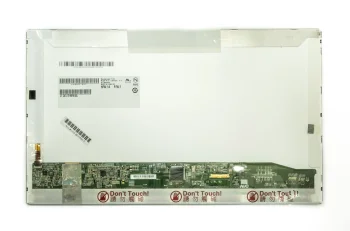
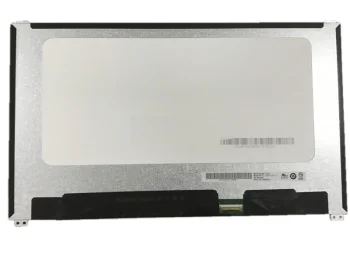
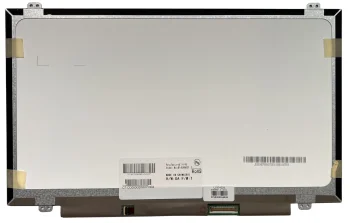
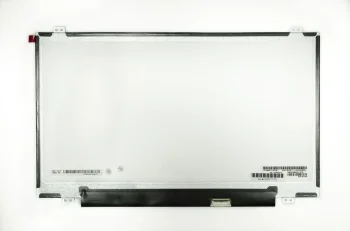
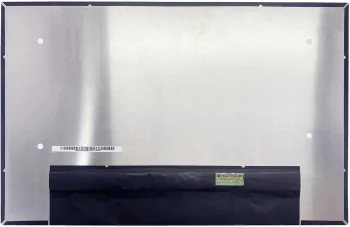
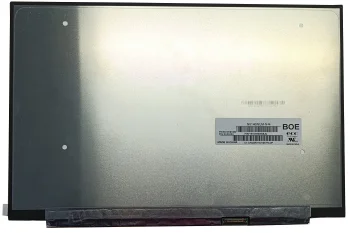
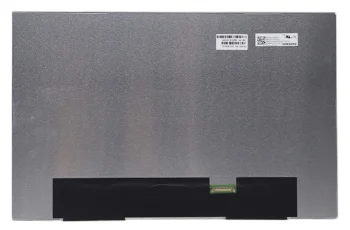
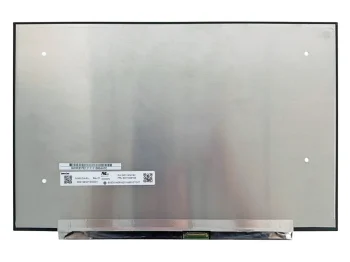
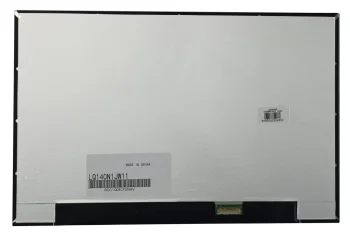
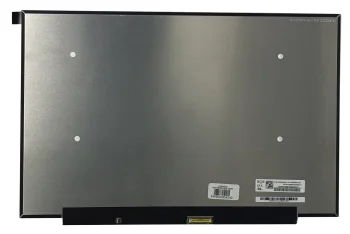
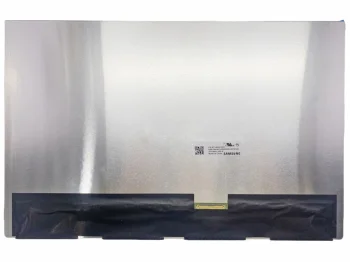
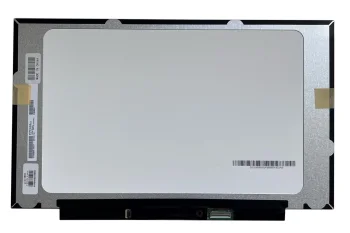
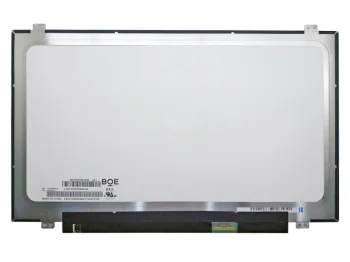
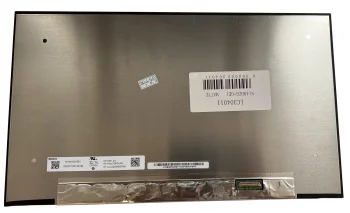
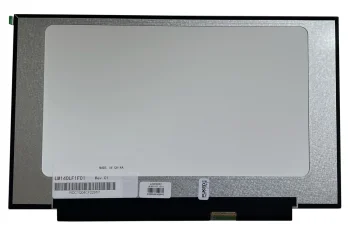
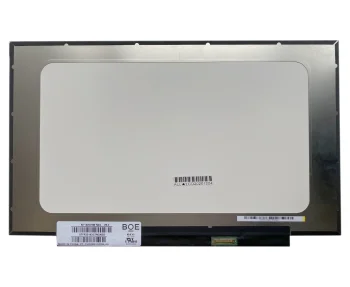
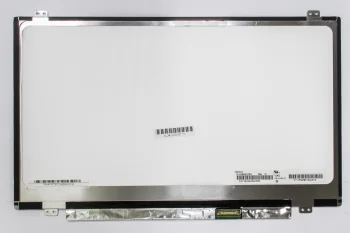
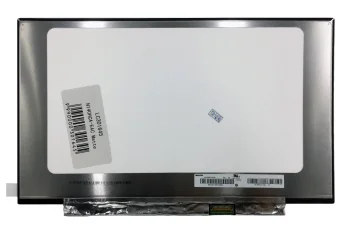
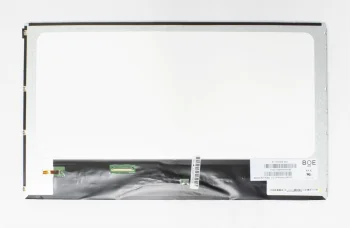
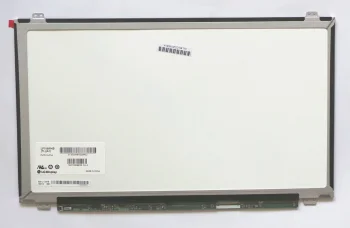
Laptop screens and LCD panels cover replacement displays in several sizes and configurations. Examples include BOE and LG panels and an Apple A2337 LCD display assembly; Extra Digital, AUO and Samsung are also represented. Product descriptions include 13.3, 14.0, 15.6 and 17.3-inch screens, various resolutions, IPS and OLED labels, and matte or glossy finishes. Some panels carry a Slim designation. Because a separate panel and a display assembly are different types of part, identify which type your laptop needs before comparing individual screens.
How to choose a laptop screen or LCD panel
Start with the part number on the existing panel and the laptop model. A matching screen size alone does not establish compatibility. Compare resolution, panel construction, connector pin count and connector position. Descriptions include both 30-pin and 40-pin screens, while some 30-pin panels specify a right-side connector. For an Apple A2337 display assembly, check the device model code and the assembly details as well. Compare the listed specifications with the part being replaced rather than relying on a single matching term.
- LCD panels: BOE and LG examples come in different sizes and resolutions. Check the full panel model number when looking for a replacement.
- IPS and OLED screens: These labels identify different display technologies. Consider the technology alongside the physical and connector details.
- Resolution and refresh rate: Descriptions include 1366 × 768, FHD and QHD, with 120 Hz, 144 Hz or 240 Hz specified for some screens. Compare the figures with your existing panel.
- Matte and glossy finishes: BOE and LG examples include matte screens, and an LG example has a glossy finish. Choose a finish that suits your viewing conditions.
- Connector and construction: Check whether the panel uses a 30-pin or 40-pin connector, where that connector sits, and whether Slim is specified.
Laptop screens in this category range from individual panels to the Apple A2337 display assembly. The original part number and the replacement screen’s listed details provide a practical starting point for narrowing down a repair part.
Frequently Asked Questions
Is screen size enough to choose a replacement laptop panel?
No. A replacement laptop panel should also be checked against the existing panel number, resolution, construction, connector pin count and connector position.
What is the difference between 30-pin and 40-pin laptop screens?
The numbers refer to different connector pin counts. When choosing a laptop screen, check the connector position and original panel model too.
Is the Apple A2337 display assembly the same as a separate LCD panel?
The Apple A2337 part is listed as a display assembly, while other laptop screens are listed as individual panels. Check the device model code and the type of part required.
Are laptop screens available with both matte and glossy finishes?
Yes. The laptop screen examples include matte BOE and LG panels and a glossy LG screen; check each panel description for its finish.
What are the most popular 2026 products in category - Laptop screens and LCD panels
What are the newest products in category - Laptop screens and LCD panels
- B160UAN01.P 16.0" LCD screen, WUXGA, 165 Hz, matte, 40-pin
- Laptop Screen 14.0" 2880x1800 120Hz OLED Matte 40pin ATNA40CU09-0
- LCD Screen 15.6" FHD 1920x1080 144Hz IPS Slim Matte 40pin B156HAN07.1 HW0A
- Laptop Screen 14.0" 1920x1200 IPS 60Hz Matte 30pin NV140WUM-N44
- Boe NE160QDM-NY1 LCD Screen 16.0" 2560x1600 WQXGA 165Hz 40pin Slim Matte


