
- Gifts & Party Decorations
- Phone Accessories
- Photo & Video
- Computers & Electronics
- Sports & Fitness
- Beauty & Health
- Car & Motorcycle Accessories
- Bicycle Accessories
- Home & Living
- Garden & Outdoor
- Baby & Kids Products
- Games, Hobbies & Leisure
- Travel & Outdoor Activities
- Pet Supplies
- Discounted Items & Products with Defects
HDD and SSD Drive Enclosures and Adapters
HDD and SSD drive enclosures and adapters include external cases, USB to SATA adapters, mounting brackets and laptop optical bay caddies from brands such as Orico, Ugreen and Extra Digital. They suit users connecting an existing drive externally or fitting storage inside a computer. Choose according to the drive’s form factor, interface and intended connection.
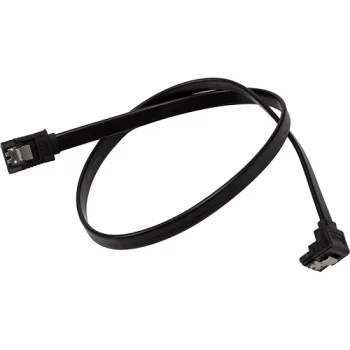
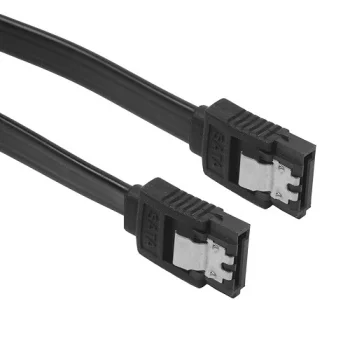
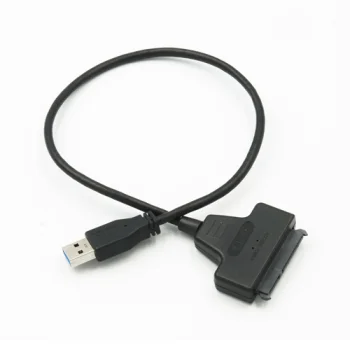
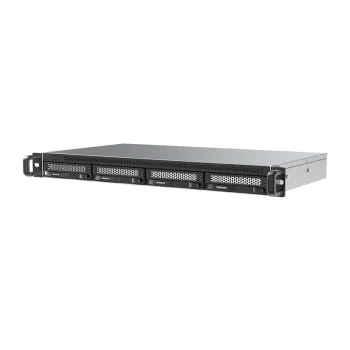
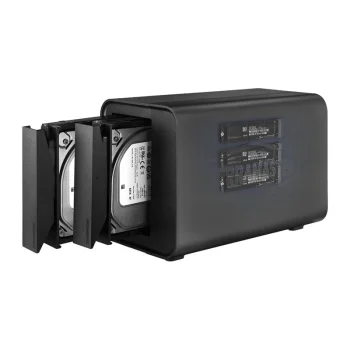
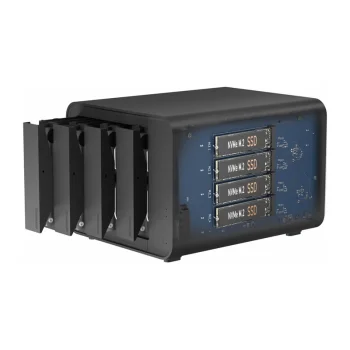
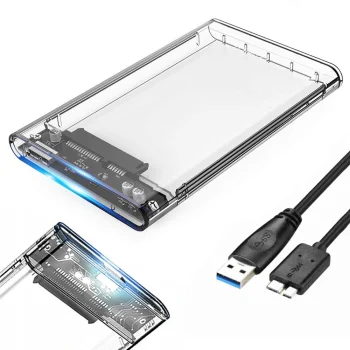
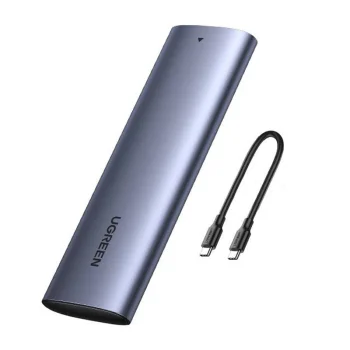
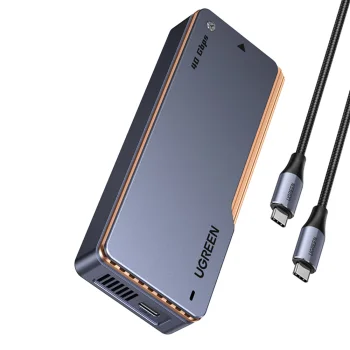
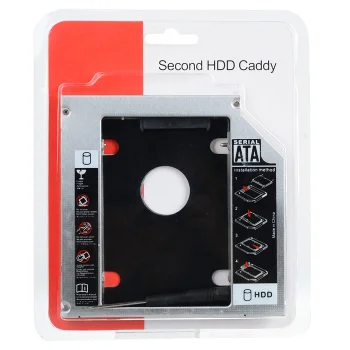
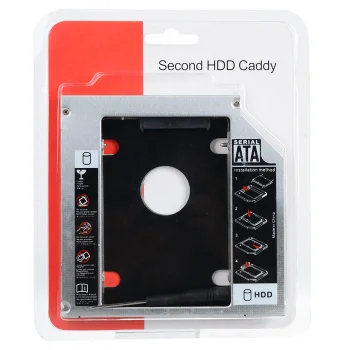
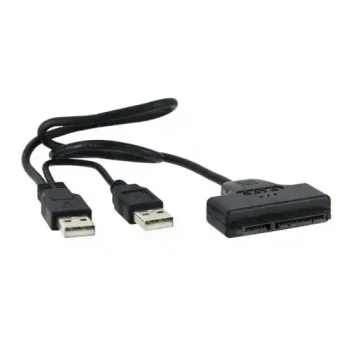
HDD and SSD drive enclosures and adapters provide options for connecting storage externally or fitting a drive inside a computer. The range includes 2.5-inch HDD/SSD enclosures, 3.5-inch SATA/IDE HDD cases, M.2 SATA NGFF enclosures, USB to SATA adapters and drive mounting accessories. Brands include Orico, Extra Digital, Ugreen and Maclean.
How to choose HDD and SSD drive enclosures and adapters
Start with the drive’s form factor and interface, then decide whether the installation requires an external USB connection or an internal mounting solution. Check the specific product’s compatibility with the drive and computer model. For external enclosures, consider the USB connection; for optical bay caddies, the bay height matters. USB-C and Micro-B identify different connectors, so the cable connection also deserves attention.
- 2.5-inch HDD/SSD enclosures: These house a matching SATA drive for external use. Options include enclosures with USB 3.0, USB-C or Micro-B connections.
- 3.5-inch HDD enclosures: External cases include SATA/IDE versions with USB 2.0 connectivity. Match the enclosure’s supported interface to the hard drive.
- M.2 SATA NGFF enclosures: These accommodate the corresponding M.2 drive type. Both the SATA NGFF interface and the supported M.2 form factors matter.
- USB to SATA adapters: These connect a suitable SATA drive to a USB port. Options include Izoxis adapters for 2.5-inch HDD and SSD drives.
- Optical bay caddies: These fit a drive in a laptop’s CD/DVD bay. Available versions include different bay heights, such as 9.5 mm and 12.7 mm.
- 2.5-inch to 3.5-inch mounting adapters: These secure a smaller drive in a larger bay. Their purpose is mechanical mounting rather than interface conversion.
External enclosures suit drives used as separate storage devices, while USB to SATA adapters provide a connection for data transfer. Optical bay caddies and mounting adapters support internal drive installation projects.
Frequently Asked Questions
What is the difference between a drive enclosure and a USB to SATA adapter?
A drive enclosure houses the drive for external use. A USB to SATA adapter connects a suitable SATA drive to a USB port without housing the drive in an enclosure.
How do I choose a laptop optical bay caddy?
A laptop optical bay caddy must match the optical bay’s height and connection. Available options include 9.5 mm and 12.7 mm versions.
Does a 2.5-inch to 3.5-inch mounting adapter change the drive interface?
A 2.5-inch to 3.5-inch mounting adapter secures a smaller drive in a larger bay. The drive still needs its appropriate data connection.
What should I check when choosing an M.2 enclosure?
An M.2 SATA NGFF enclosure needs to support the drive’s interface and form factor. The enclosure’s USB connector also determines the cable connection to consider.
What are the most popular 2026 products in category - HDD and SSD Drive Enclosures and Adapters
What are the newest products in category - HDD and SSD Drive Enclosures and Adapters
- PGYTECH PGY ProShot P-PG-031 PSSD Module with 5000 mAh Power Bank
- Orico PHCD Case for Memory Cards and Data Media, Black
- Orico PHL-25 Protective Case for 2.5" Portable Drive, Black
- Orico D2NS-6G M.2 NGFF to 3.5" SATA 3.0 Drive Adapter, Black
- Orico D2SS-6G 2.5" to 3.5" HDD SSD Drive Adapter Converter, Black


