
- Gifts & Party Decorations
- Phone Accessories
- Photo & Video
- Computers & Electronics
- Sports & Fitness
- Beauty & Health
- Car & Motorcycle Accessories
- Bicycle Accessories
- Home & Living
- Garden & Outdoor
- Baby & Kids Products
- Games, Hobbies & Leisure
- Travel & Outdoor Activities
- Pet Supplies
- Discounted Items & Products with Defects
Graphic tablets and pen displays
Graphic tablets include Huion and Wacom drawing tablets, Huion and BOSTO pen displays, a Dell active stylus and a HUION LED light pad. Drawing tablets suit digital sketching and image work, while the light pad serves paper-based tracing. Choose between drawing on a separate tablet surface and drawing on a screen, then check the stated size and connection options.
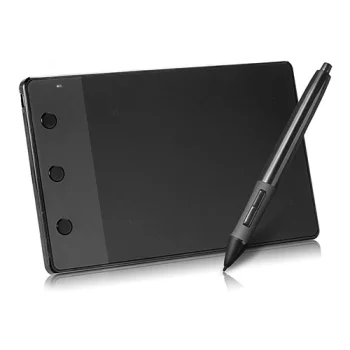
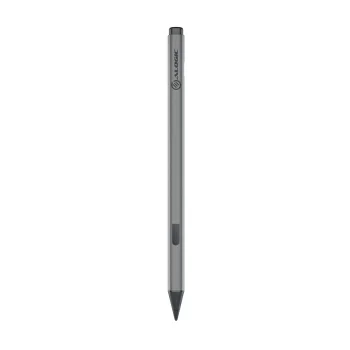
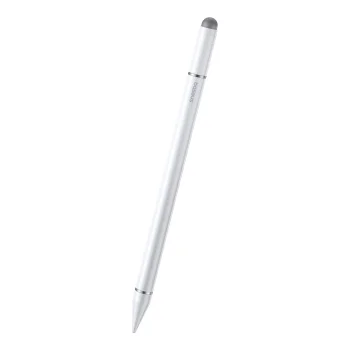
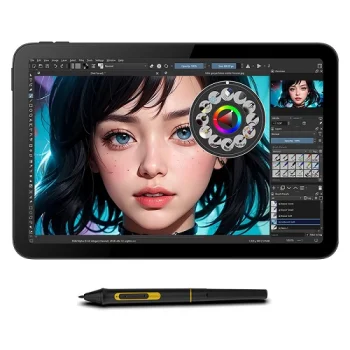
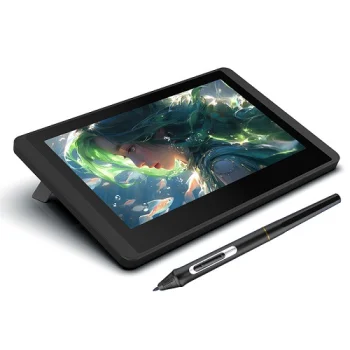
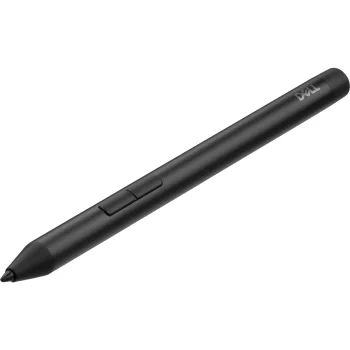
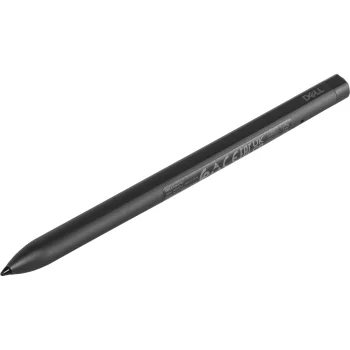
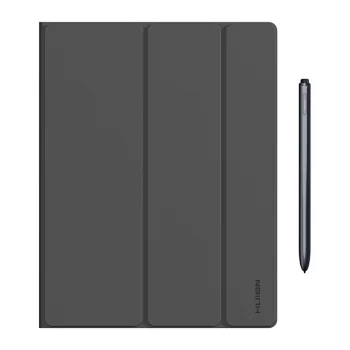
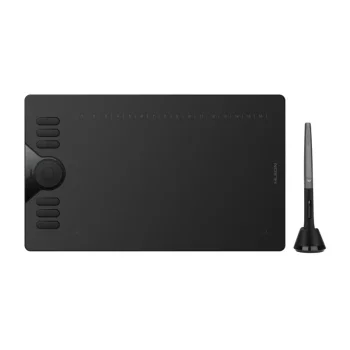
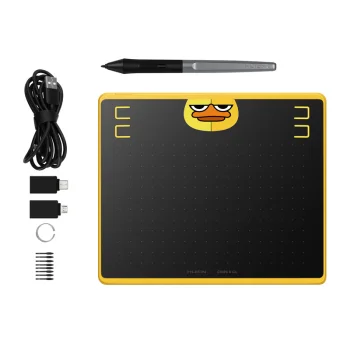
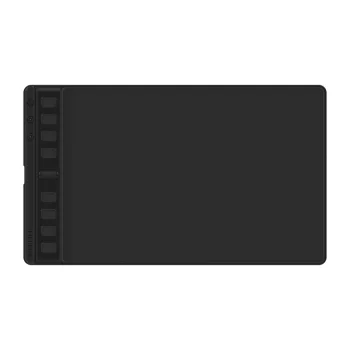
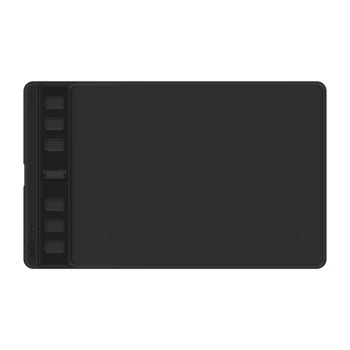
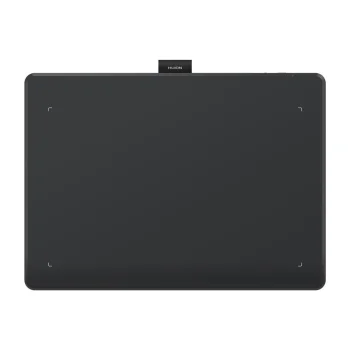
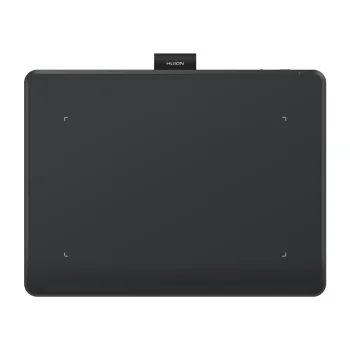
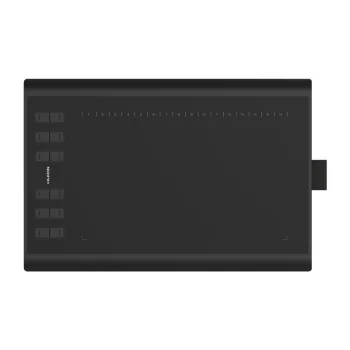
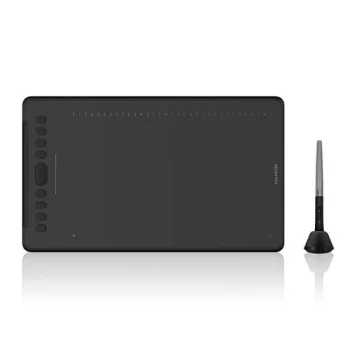
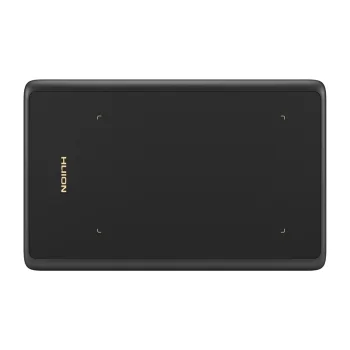
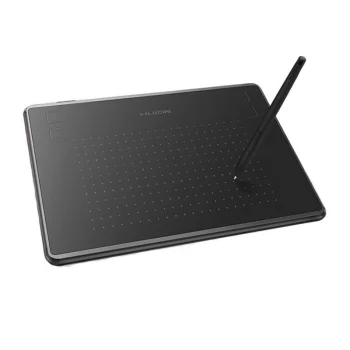
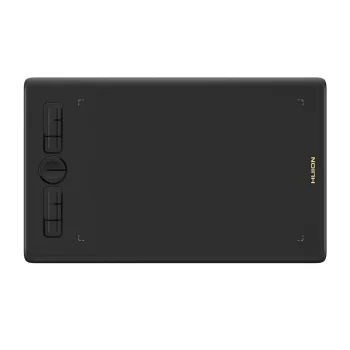
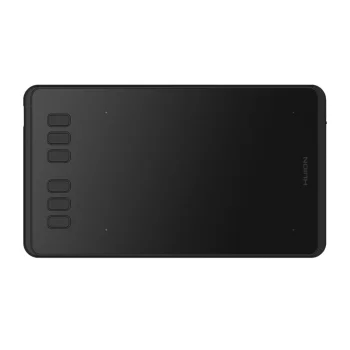
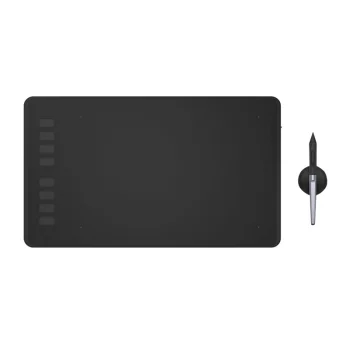
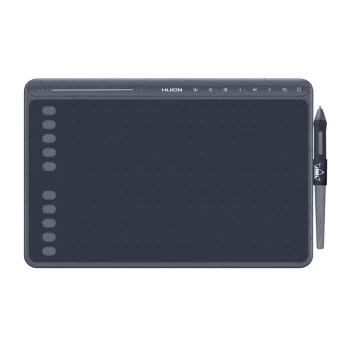
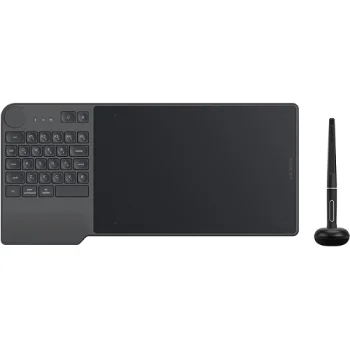
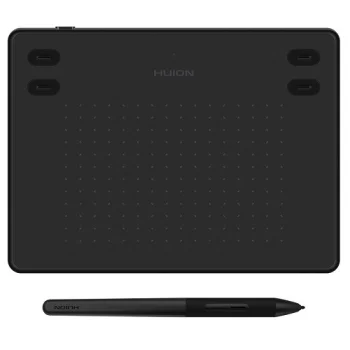
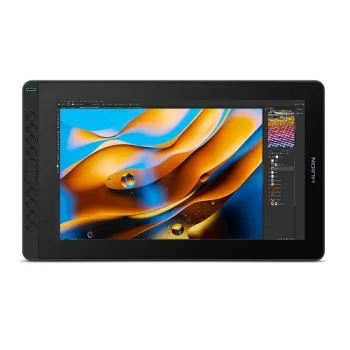
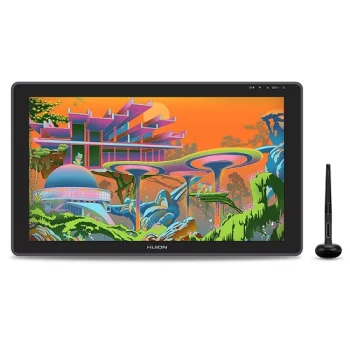
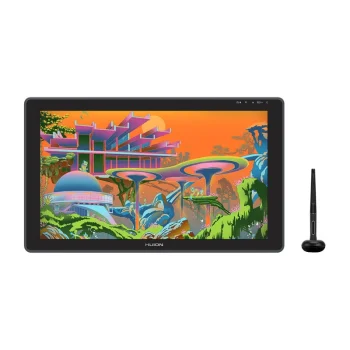
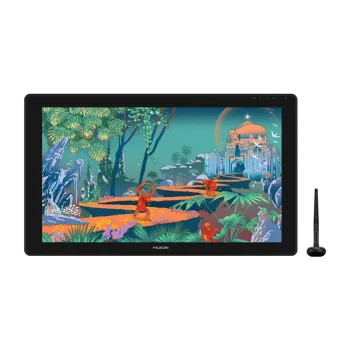
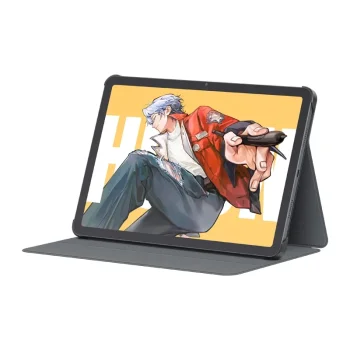
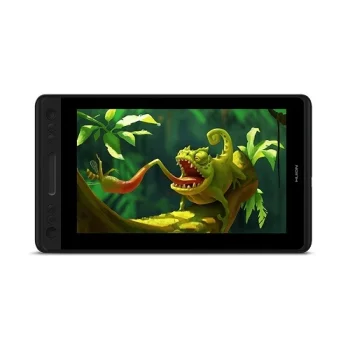
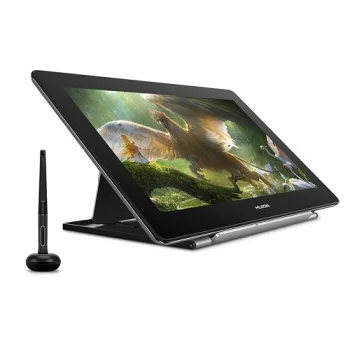
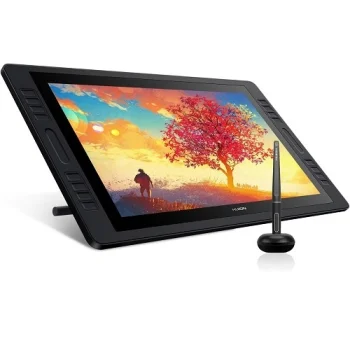
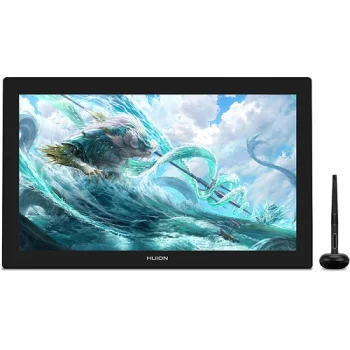
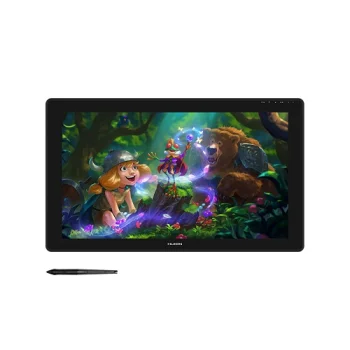
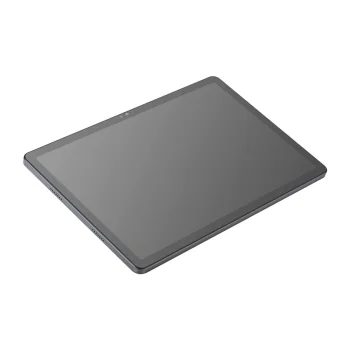
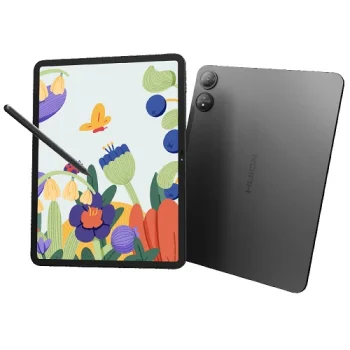
Graphic tablets cover devices for digital drawing, sketching and working with images. The range includes Huion H420, Huion Inspiroy models and Wacom Intuos Pro Medium PTK670K0B. Screen-based options include Huion Kamvas RDS-160 and BOSTO BT-12HD-A. Related drawing tools include the Dell PN5122W active stylus and the HUION L4S LED light pad. A light pad illuminates paper for tracing; it is not a graphic tablet for digital input.
How to choose graphic tablets and pen displays
Start by deciding where you want to see the image while drawing. With a screenless graphic tablet, you draw on the tablet surface and view the result on a separate display. A pen display puts the image on the drawing surface. Check the stated dimensions against your desk space and compare connection options for each model. Wacom Intuos Pro Medium PTK670K0B lists USB and Bluetooth, while Huion Kamvas RDS-160 has a 15.6-inch Full HD screen. If you need a separate stylus, verify compatibility with the exact device rather than assuming all drawing products work together.
- Screenless graphic tablets: Huion H420 and Huion Inspiroy models offer a separate surface for drawing input.
- Pen displays: Huion Kamvas RDS-160 and BOSTO BT-12HD-A are screen-based drawing devices.
- Screen size: BOSTO BT-12HD-A has an 11.6-inch screen. Compare the stated diagonal with your available workspace.
- Connection options: Wacom Intuos Pro Medium PTK670K0B lists USB and Bluetooth; check other models individually for their connections.
- Styluses and light pads: Dell PN5122W is an active stylus, while HUION L4S is an LED light pad for work on paper.
For digital sketches, compare screenless graphic tablets with pen displays according to the way you prefer to draw. For tracing a drawing on paper, consider a light pad instead. A standalone stylus calls for a compatibility check against the device you plan to use.
Frequently Asked Questions
What is the difference between a graphic tablet and a pen display?
A screenless graphic tablet takes drawing input on its surface while you view the image on a separate display. A pen display shows the image on the drawing surface.
Will the Dell PN5122W stylus work with any graphic tablet?
Dell PN5122W is an active stylus, but compatibility must be checked against the exact device. Being listed alongside graphic tablets does not establish compatibility.
Is the HUION L4S light pad a graphic tablet?
The HUION L4S is an LED light pad that illuminates paper for tracing. It is not a graphic tablet for digital drawing input.
How should I choose a pen display size?
Compare a pen display's stated screen diagonal with your available workspace. For example, the BOSTO BT-12HD-A has an 11.6-inch screen.
What are the most popular 2026 products in category - Graphic tablets and pen displays
What are the newest products in category - Graphic tablets and pen displays
- Graphics Tablet HUION Kamvas Pad 12 KP1202, 12.2", 8 GB / 256 GB, Gray
- Graphics tablet Wacom Intuos Pro Medium PTK670K0B, USB / Bluetooth, Black
- Dell PN5122W Active Pen Stylus with 4096 Pressure Levels, Black
- Graphics Tablet Huion Inspiroy RTE-100, Black
- Graphics Tablet Huion Inspiroy 2 L (H1061P), Black


