
- Gifts & Party Decorations
- Phone Accessories
- Photo & Video
- Computers & Electronics
- Sports & Fitness
- Beauty & Health
- Car & Motorcycle Accessories
- Bicycle Accessories
- Home & Living
- Garden & Outdoor
- Baby & Kids Products
- Games, Hobbies & Leisure
- Travel & Outdoor Activities
- Pet Supplies
- Discounted Items & Products with Defects
AUX audio cables and adapters
AUX audio cables and adapters include 3.5 mm Jack leads, USB-C and Lightning audio adapters, Jack-to-RCA cables and Bluetooth audio adapters from brands such as Baseus, Joyroom and UGREEN. They cover connections between a phone and headphones, a speaker or a car audio system. To choose the right one, check the ports at both ends, the connector gender and the cable length.
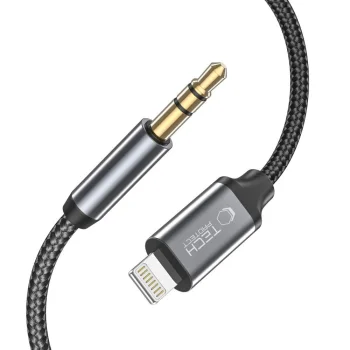
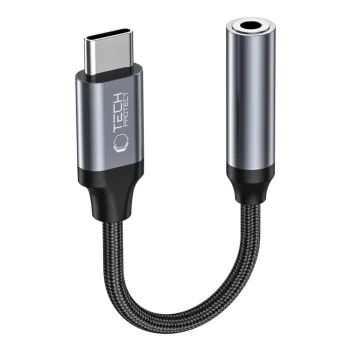
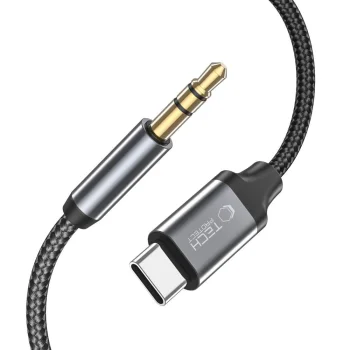
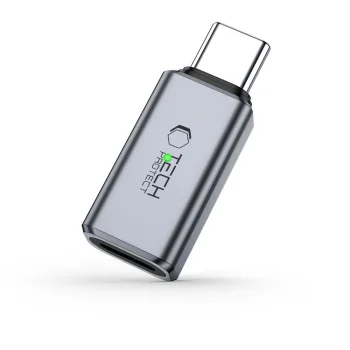
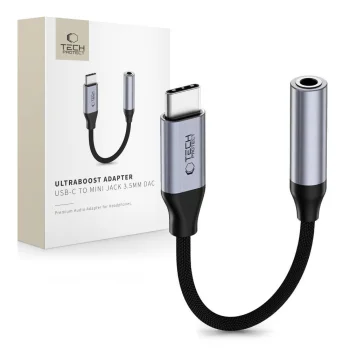
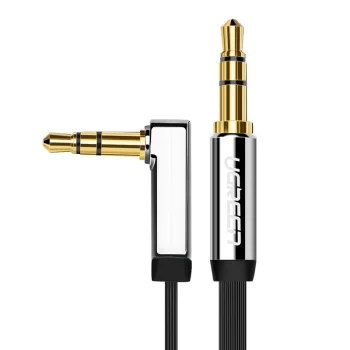
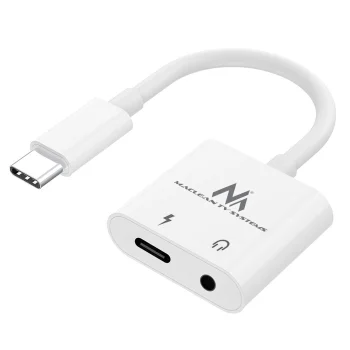
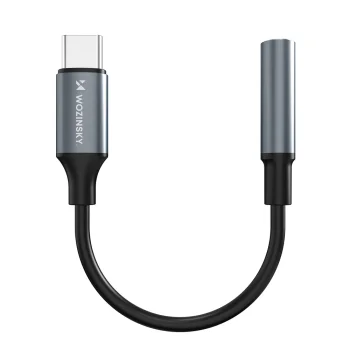
AUX audio cables and adapters cover several ways to connect a phone to audio equipment. The category includes 3.5 mm Jack cables, USB-C and Lightning to 3.5 mm adapters, Jack-to-RCA cables and Bluetooth audio receivers or transmitters. Examples include Baseus and UGREEN cables and adapters alongside Joyroom products. There is also an adapter with a 3.5 mm audio socket and a separate USB-C charging port. A ground loop noise isolator with an AUX cable is another option for a car or home audio setup.
How to choose AUX audio cables and adapters
Check the port on the phone and the input on the other device before comparing products. USB-C, Lightning, 3.5 mm Jack and RCA connections call for different cable ends. Note whether each end needs to be a plug or a socket: a USB-C to 3.5 mm female adapter serves a different connection from a cable with a 3.5 mm plug. For a wired setup, compare the stated cable length with the distance between devices. For Bluetooth, check whether the particular adapter receives audio, transmits it or supports both modes.
- 3.5 mm AUX cable: Use a cable whose connectors match the audio ports on both devices. Cable lengths vary between individual products.
- USB-C to 3.5 mm adapter: This connects a 3.5 mm audio plug to a USB-C port. One listed type also has a separate USB-C port for charging.
- Lightning audio adapter: This provides a connection between Lightning and 3.5 mm audio equipment. Both adapters and longer cables appear in this category.
- Jack-to-RCA cable: A 3.5 mm Jack connector is paired with two RCA connectors. Check the audio system for matching RCA inputs.
- Bluetooth audio adapter: Receiver and transmitter functions depend on the individual model. Check its physical connectors as well as its operating mode.
A USB-C or Lightning adapter may suit a phone-to-headphones connection, while a speaker, car stereo or home audio system may call for an AUX cable, a Jack-to-RCA cable or a Bluetooth adapter. Matching both devices’ ports is the practical starting point for each use.
Frequently Asked Questions
Which adapter connects a USB-C phone to headphones with a 3.5 mm plug?
A USB-C to 3.5 mm female audio adapter provides the matching socket for the headphones. Check the adapter’s stated compatibility with the phone before choosing.
What is the difference between an AUX cable and a Jack-to-RCA cable?
An AUX cable should be selected by matching its connectors to both devices. A Jack-to-RCA cable has a 3.5 mm Jack connector at one end and two RCA connectors at the other.
Can every Bluetooth audio adapter both receive and transmit audio?
Bluetooth audio adapter modes vary by model. A 2-in-1 receiver and transmitter is among the products, but the operating modes of another adapter need to be checked separately.
What are the most popular 2026 products in category - AUX audio cables and adapters
What are the newest products in category - AUX audio cables and adapters
- Saramonic LC-C35 Audio Cable - 3.5 mm TRS to Lightning
- Saramonic SmartRig II Audio Adapter with XLR & 6.35 mm Input
- Wozinsky WALJ-01 Lightning to 3.5mm Mini Jack Audio Adapter, Black
- 2-in-1 Audio Adapter Joyroom SY-L01 Lightning to 3.5mm + Lightning, Black
- Lightning to 3.5 mm Headphone Jack Adapter for iPhone


